0
Skip to Content
TIMS Medical
TIMS Medical
Epic Lumens Image & Video Capture
ENT
GI
Surgical Imaging
FEES
MBS
TIMS Review
TIMS Connect
Advanced Tools
Trade-In Program
TIMS University Home
Upcoming Events
On-Demand Learning
Contact Support
Software & Documentation
Support & Maintenance
Training
Advocacy Resources
TIMS Tutorials
FEES Competency and Program Development
MBS and FEES Analysis Tools
Blog
Events
Press
Regulatory & Conformance
TIMS Medical & Leadership
Locations
Careers
Contact us
TIMS Medical
TIMS Medical
Epic Lumens Image & Video Capture
ENT
GI
Surgical Imaging
FEES
MBS
TIMS Review
TIMS Connect
Advanced Tools
Trade-In Program
TIMS University Home
Upcoming Events
On-Demand Learning
Contact Support
Software & Documentation
Support & Maintenance
Training
Advocacy Resources
TIMS Tutorials
FEES Competency and Program Development
MBS and FEES Analysis Tools
Blog
Events
Press
Regulatory & Conformance
TIMS Medical & Leadership
Locations
Careers
Contact us
Folder: Solutions
Back
Epic Lumens Image & Video Capture
ENT
GI
Surgical Imaging
FEES
MBS
TIMS Review
TIMS Connect
Advanced Tools
Trade-In Program
Folder: TIMS University
Back
TIMS University Home
Upcoming Events
On-Demand Learning
Folder: Help Center
Back
Contact Support
Software & Documentation
Support & Maintenance
Training
Folder: Resources
Back
Advocacy Resources
TIMS Tutorials
FEES Competency and Program Development
MBS and FEES Analysis Tools
Blog
Events
Press
Regulatory & Conformance
Folder: About
Back
TIMS Medical & Leadership
Locations
Careers
Contact us
  • Feature Specific "How-to",
• 9/7/23

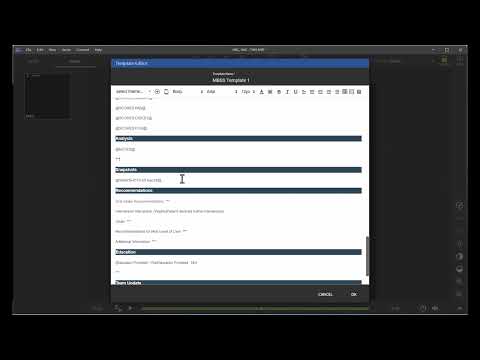
Accessing the TIMS MVP Training Guide

A short video showing where to access the TIMS MVP Training Guide.

Previous

Rating an MBS study using MBSImP & TIMS Review

Next

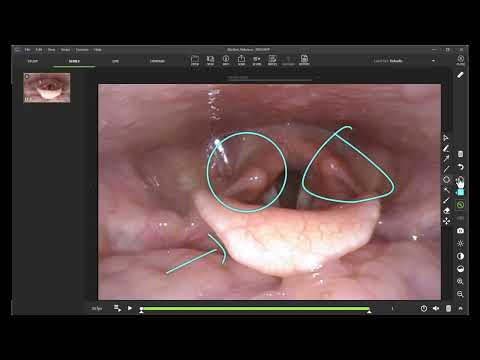
Creating Snapshots with Annotations

You Might Also Like

Related Embedded Video Item Thumbnail Automating Reporting for FEES Studies
Related Embedded Video Item Thumbnail Creating Subclips for a FEES Study
Related Embedded Video Item Thumbnail Rating an MBS study using MBSImP & TIMS Review
Related Embedded Video Item Thumbnail Adjusting Brightness, Contrast & Saturation
Related Embedded Video Item Thumbnail Use Swallow Detect when Creating Subclips in FEES Studies.

Website Terms of Service